Laser

How should I determine the optimal engraving settings for leatherette?

Where to start with speed and power when laser engraving leatherette, and how to test on scrap.
By Renan Casagrande1 min read
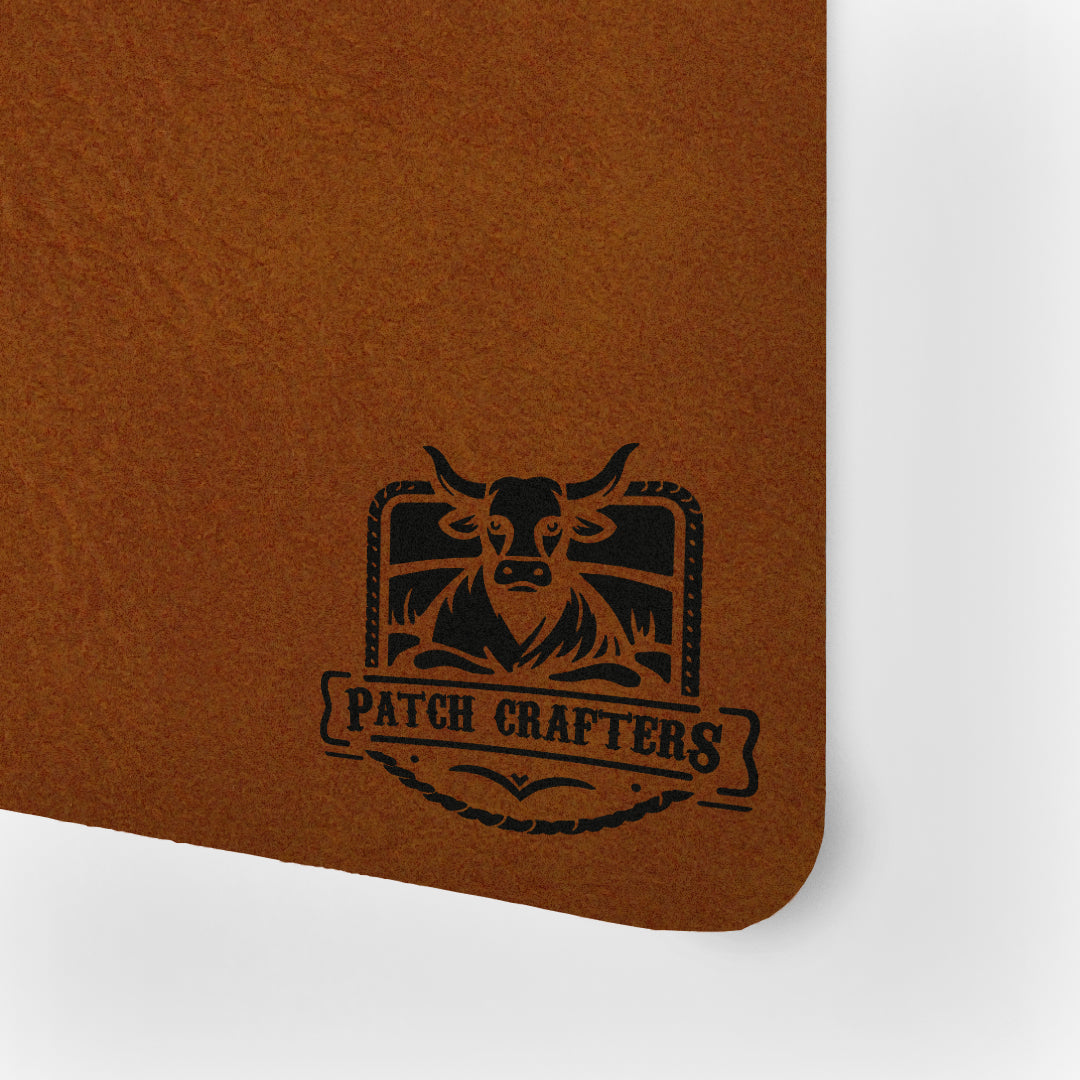
Rawhide leatherette sheet laser engraved to a black core with the Patch Crafters logo
When engraving leatherette, the key is to start with your machine's recommended settings for synthetic materials and adjust from there. Begin with a moderate speed and a low to medium power level to prevent burning or excessive melting. Conduct a series of test engravings on a scrap piece of leatherette, gradually adjusting the power and speed until you achieve a clear, sharp engraving without damaging the material. Pay attention to the contrast and depth of the engraving, aiming for a balance that highlights your design while preserving the integrity of the leatherette.
Written by

Renan Casagrande

The Patch Crafters team makes the patch materials used in these guides. Questions? Text us at (405) 937-1596.

Still stuck?

Ask the team that makes the materials

Text us your question and your press settings, Mon–Sat, 8am–6pm CT. Or ask other makers in our Facebook group.

Get new settings first

Get an email when we publish a new guide or update a chart.

Free shipping over $80

On patch supply orders over $80 shipped within the contiguous US. Heat press shipping is calculated at checkout.

30-day returns

Return within 30 days of delivery. See our refund policy for details.

100% secure checkout

All payments are processed securely

Customer Service

Mon–Sat, 8am–6pm CT. Text us at (405) 937-1596.