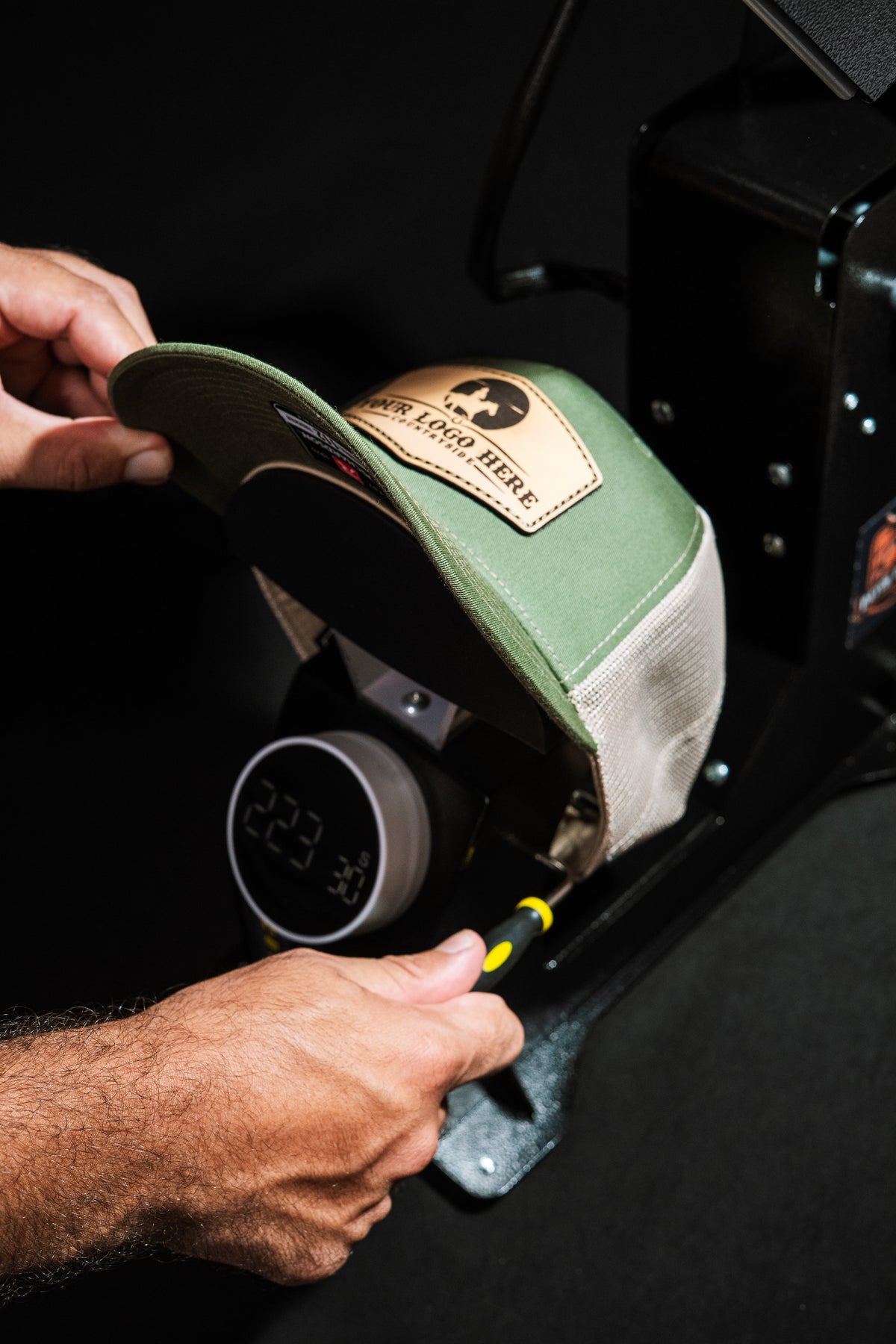

DuoForge Settings Menu (P0–P6): Why the Bottom Temperature Won't Change
If the bottom temperature won't change, the P5 lock is on. What each setting does and which values to keep.
Quick answer
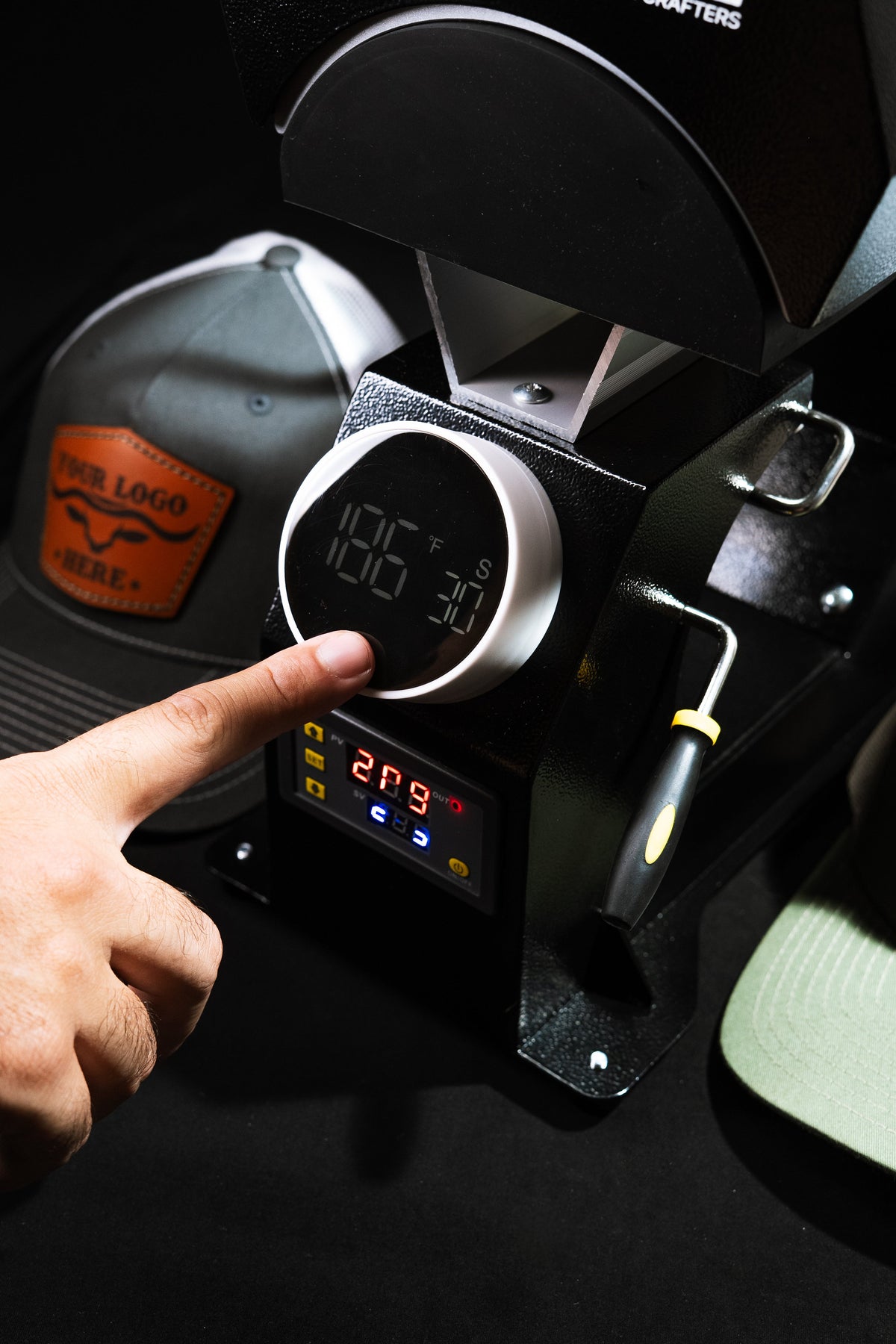
If you can't change the bottom temperature on your DuoForge, the controller's data lock (P5) is on. Text us and we'll walk you through turning it off. Leave the other settings as they are: P1 at 10, P2 at 0 and P6 on °F. An "H" on the display is the high-temperature alarm (P3), not a broken heater.
On this page

What each P setting does
| Setting | What it does | Keep it at |
|---|---|---|
| P0 | Heating or cooling mode | Heating |
| P1 | Hysteresis: how far the temperature can drift before the heater switches back on | 10 |
| P2 | Temperature correction: an offset added to the reading | 0 |
| P3 | High-temperature alarm. When it trips, the display shows "H" | You can lower it to 450°F. It's only an alarm and doesn't change how the press heats |
| P4 | Low-temperature alarm | Leave it as it came |
| P5 | Data lock. When it's on, nobody can change the settings, including the temperature | Off to change temperatures; on to lock them |
| P6 | Celsius or Fahrenheit | °F, to match our recipes |
If the bottom temperature won't change
The data lock, P5, is on. Text us through the "Still stuck?" box below and we'll walk you through turning it off. Once it's off, set the bottom temperature as usual. For patches on the DuoForge, that's 320°F at the bottom and 300°F on top. All the recipes are in the heat press settings chart.
Running a hat bar with helpers? P5 can also lock your temperatures so nobody changes them by accident. Ask us how.
What's normal, and when to contact us
- The reading drops a few degrees when you close the press on a cold cap. That's normal: some heat goes into the cap and the air, and the platen recovers during the cycle. Pre-heating the cap before you add the patch helps.
- The display shows "H". That's the high-temperature alarm from P3. If it shows up at normal settings, send us a photo of the display and your P settings.
- The bottom platen won't reach the temperature you set with P5 off, the display stays blank, or the press won't open or close. Send us a short video of the problem through the "Still stuck?" box below. A video shows us more than a description.
Don't use P2 to make a strange reading look right. Leave it at 0 and contact us: an offset hides the problem instead of fixing it.
FAQ
Why can't I change the bottom temperature on my DuoForge?
The data lock, P5, is on. Text us and we'll walk you through turning it off. After that, the bottom temperature can be changed again.
What does "H" mean on my DuoForge?
It's the high-temperature alarm, set in P3. You can lower the alarm to 450°F. If "H" appears while you press at normal temperatures, contact us with a photo of the display.
What should P1 be set to?
10. That's the hysteresis, how far the temperature can drift before the heater turns back on.
Should I use P2 to correct the temperature reading?
No. Keep P2 at 0. If the reading looks wrong, contact us so we can check the press.
How do I switch my DuoForge from Celsius to Fahrenheit?
Change P6. Our recipes are in °F.
Can I lock the settings so nobody changes them?
Yes, that's what P5 does. Text us and we'll show you how.
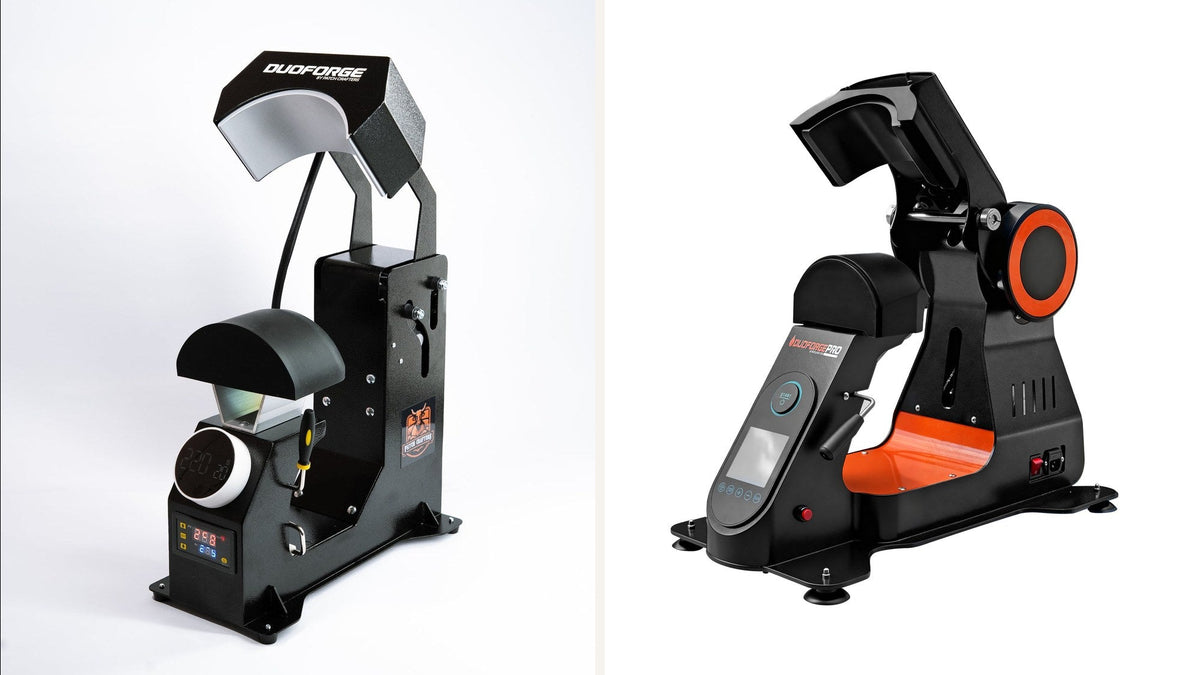
Does this guide apply to the DuoForge PRO?
This guide is for the DuoForge. The DuoForge PRO has its own control panel; if a setting there won't change, contact us. To compare the two presses, see DuoForge vs DuoForge PRO.